

Redirect methods
What the visitor sees with each redirect method and how to choose the right one.
The redirect method defines what the visitor sees between the click and the destination URL, whether the destination site learns where the visitor came from, and how the link looks in messengers.
| Method | How the redirect happens | Site sees the source | Preview from Meta Settings |
|---|---|---|---|
| Meta Refresh | a short blank page, then the redirect | no | yes |
| Double Meta Refresh | the page reloads once, then the redirect | no | yes |
| JavaScript | redirect by script | no | yes |
| 302 Temporary | instant redirect | yes | no |
| 301 Permanent | instant redirect that the browser remembers | yes | no |
| Preloader | a loading screen for 2–3 seconds | no | yes |
| Image And Redirect | shows an image, then the redirect | no | yes |
| Button Page | a page with a button, redirect on click | no | yes |
| iFrame | the destination site opens in a frame under the link address | no | yes |
| Simple Iframe | a frame without styling, for VK mini apps | no | yes |
The method is read from the template on every click, so changing it takes effect on all links at once.
How to choose
- No special requirements — Meta Refresh.
- The destination site must see the traffic source — 302 Temporary. With other methods, you can pass the source with the
{referer}macro. - You need your own preview in messengers — any method except 301 and 302.
- You need the strict JavaScript filter — Meta Refresh, JavaScript or Image And Redirect: the browser check works only with them.
- The destination URL may change — do not use 301: the browser remembers the old address.
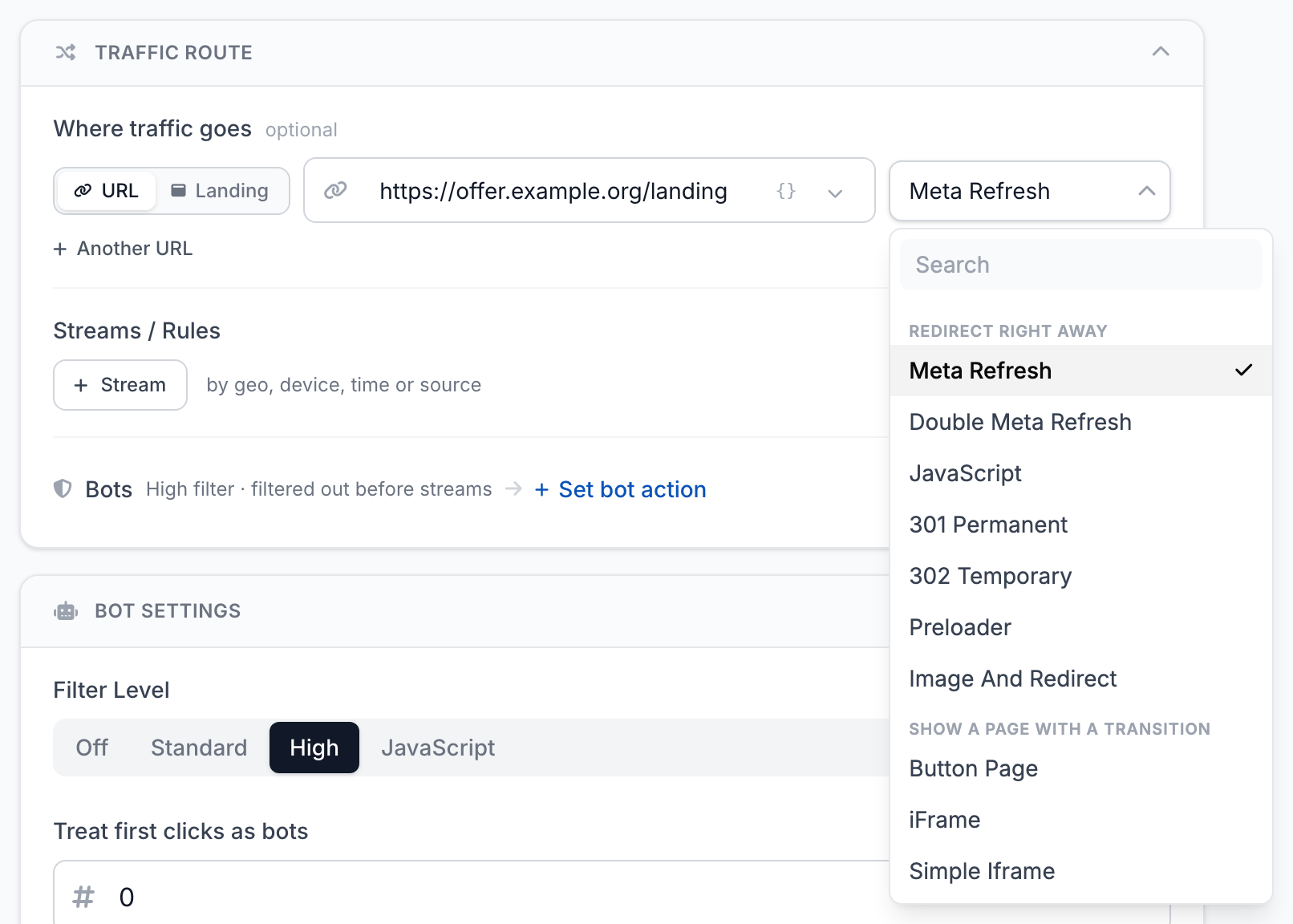
Double Meta Refresh
The click is recorded only after the page reloads. A visitor who closed the page earlier does not get into statistics.
Messenger previews
Messengers build a preview from what they get when they open the link. Their robots count as bots, so they see what is set for bots. With 301 and 302, the preview comes from the page at the bot URL.
Landing page
Instead of a URL, the link can open your landing page — the Landing switch in the Where traffic goes field. How to create a landing page and connect its button to the offer is in Landing pages.