

Parameter forwarding and URL macros
How to pass tracking parameters from the ad link to the destination URL.
Parameters from the ad link — example.com/promo?sub1=abc — can be passed to the destination URL in two ways: all at once with Parameter Forwarding in the template, or one by one with macros.
Parameter forwarding
| Mode | Request | Where the visitor goes |
|---|---|---|
| Off | example.com/promo?sub1=abc | https://offer.example.org/lp |
| GET parameters | example.com/promo?sub1=abc | https://offer.example.org/lp?sub1=abc |
| GET + URI | example.com/cat/item?x=1 | https://offer.example.org/cat/item?x=1 |
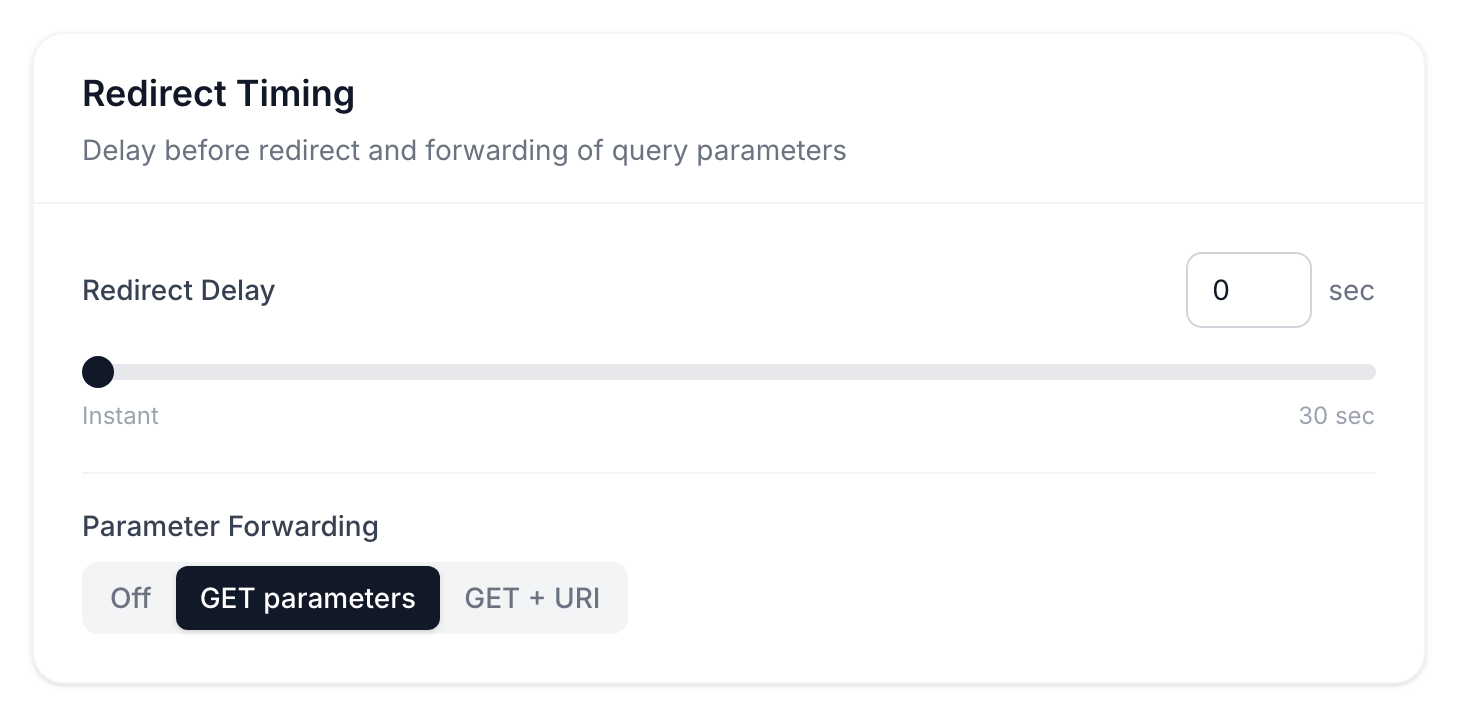
GET + URI also passes the path — use it when the addresses on your domain match the addresses on the destination site. In this mode the destination URL must end with /.
The mode is set in the template and applies to all its links: to the main URL, stream URLs and the bot URL.
Macros
A macro in the destination URL is replaced with a value before the redirect. This lets you rename a parameter or add click data:
https://offer.example.org/lp?subid={sub1}&cid={click_id}&geo={country}Any parameter from the link works as a macro: {sub1} takes the value of sub1. Built-in macros — click ID, country, device, IP and others — are listed in the reference.
If you use both parameter forwarding and a macro for the same parameter, it arrives twice. Choose one.
Check the final URL with a test visit, for example with ?sub1=test.