

Bulk actions
Change many links at once: destination URL, domain, status, lifetime, template.
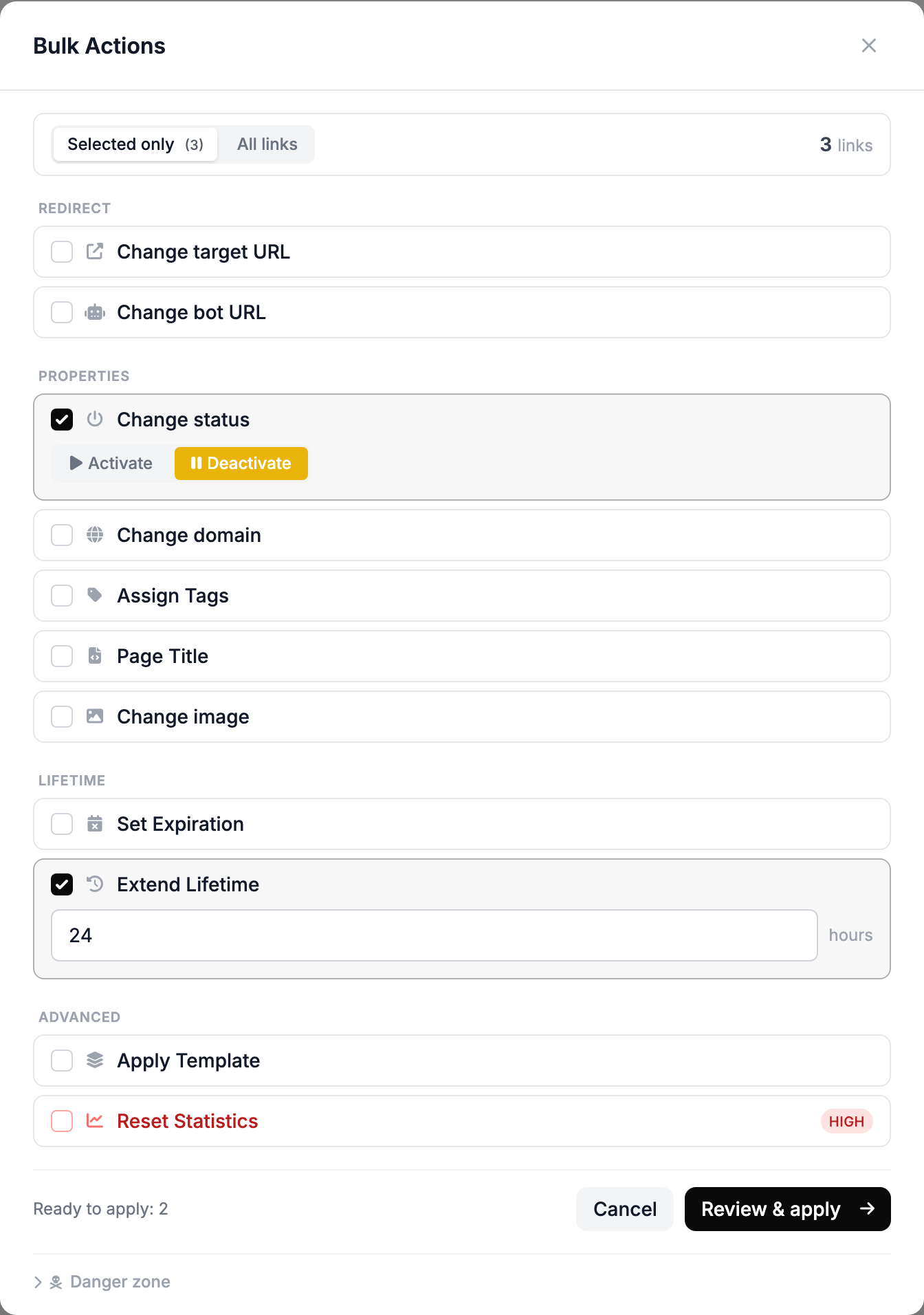
Bulk actions change many links at once: destination URL, domain, status, lifetime, template. Select links in the list and click Bulk Actions — before applying, the dashboard shows what will change.
You can work with the selected links or with all links that match a filter — template, domain, status. Without a filter, the action affects all links in the account.
What you can do
- Change target URL — a new destination URL. Streams do not change: the new URL goes to visitors who did not match a stream.
- Change domain — moves links to another domain. Links whose slug is already taken on the new domain stay where they are; the dashboard reports how many.
- Change status — activate or pause.
- Tags, bot URL, preview title and image.
Lifetime
Set Expiration sets the date after which the links are paused, or removes the expiration. Extend Lifetime adds hours to the current lifetime. Neither one turns paused links back on — for that, add Change status → Activate.
Template and statistics
Apply Template switches links to a template and can copy the destination URL, preview, bot URL and streams from it. The template's streams replace the links' streams entirely.
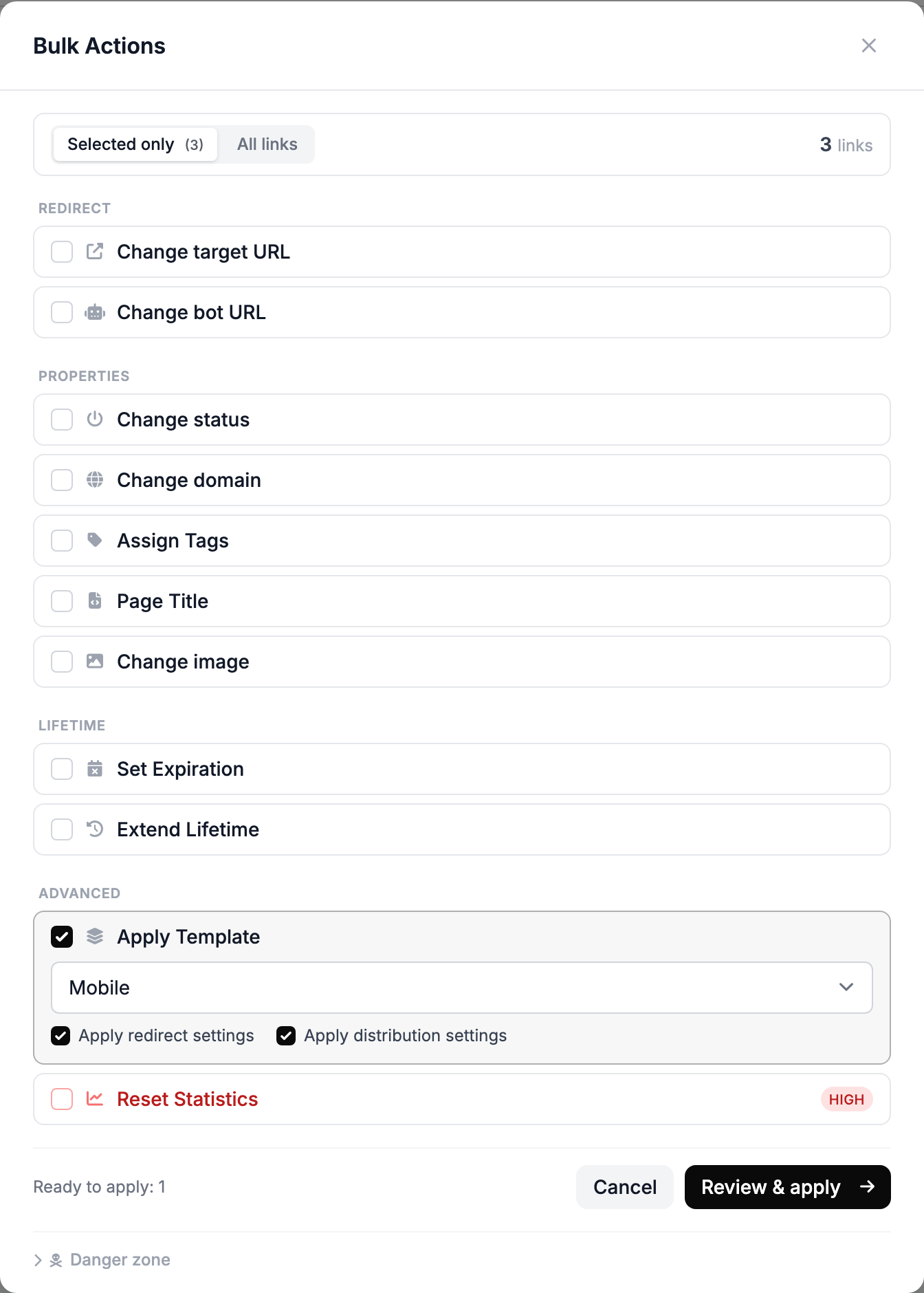
Reset Statistics permanently deletes the clicks of the selected links.
Deletion
Deleted links go to the trash together with their clicks and can be restored within 10 days.
Delete All Links moves all links in the account to the trash and permanently erases all click statistics. The action requires your password.