

Tracker
Offers, traffic sources and campaigns: how to turn the tracker on and set up your first campaign.
The tracker shows how much your traffic earns: it ties a click on your link to a conversion at the affiliate network and reports revenue, cost and ROI. There is no tracker server to run — offers, sources and reports live in the dashboard next to your links.
A campaign in TDS.SO is an ordinary link with an offer and a traffic source attached.
Turn the tracker on
Open Settings → General → Tracker and switch it on. A Tracker group appears in the menu: Offers, Traffic Sources, Conversions and Reports. The same switch is on the first screen after sign-up.

You can turn it off at any time: the data stays, it just leaves the menu. If there is no Tracker block in settings, the tracker is not enabled for your account.
Offers
An offer is what you promote: an address from the affiliate network and the payout per conversion. Add one in Tracker → Offers → Add Offer.
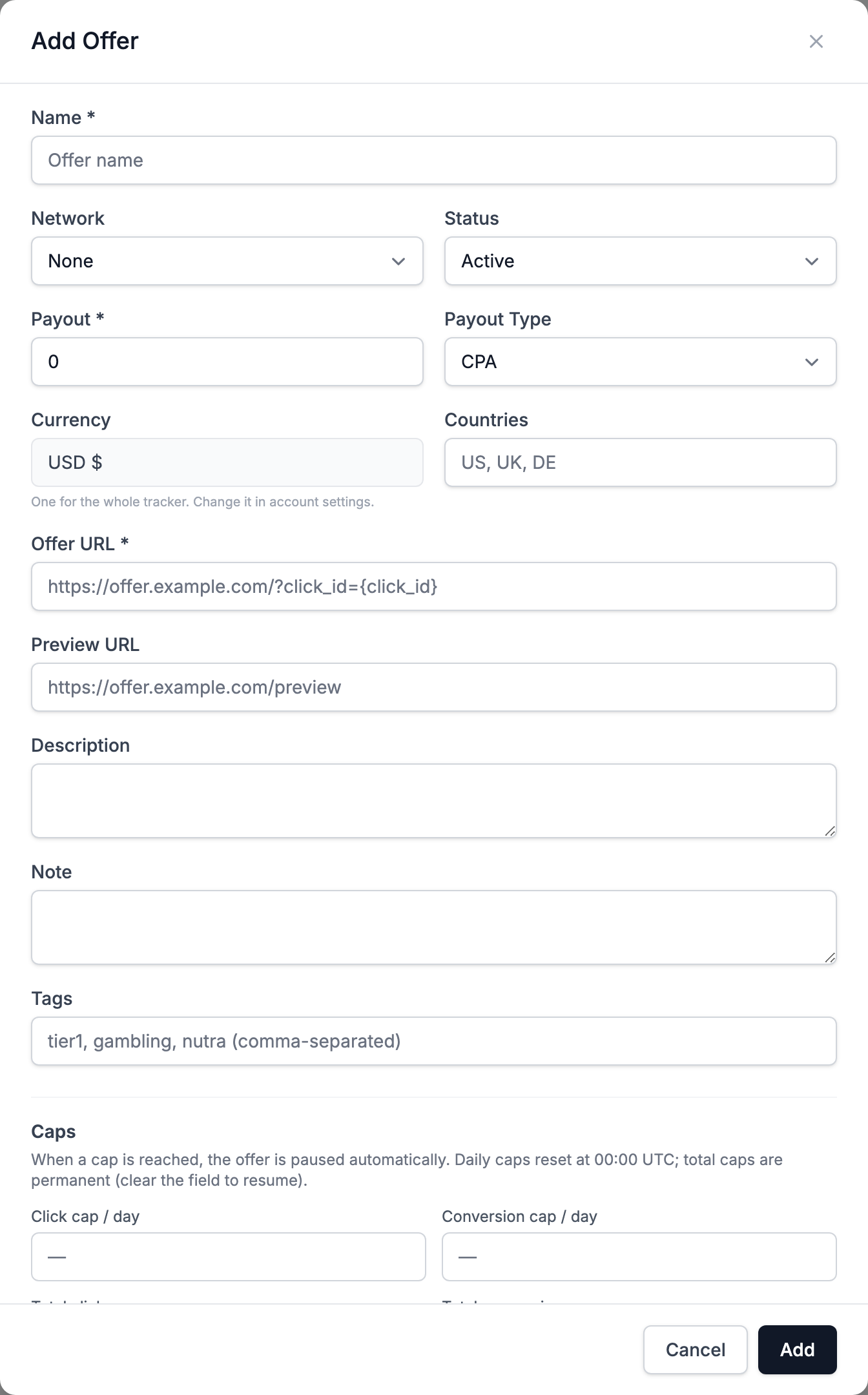
| Field | What to enter |
|---|---|
| Offer URL | the network link with the {click_id} macro, e.g. https://offer.example.org/spring?sub1={click_id} |
| Payout and Payout Type | what the network pays: CPA, CPL, CPS, CPI or RevShare |
| Countries, Tags | for filters and your convenience |
| Caps | daily and total limits on clicks and conversions; the offer pauses when a cap is reached |
The {click_id} macro is required: the network sends the conversion back with it, and the tracker finds the click by it. Which parameter to put it in (sub1, subid, aff_sub) depends on the network — check its dashboard.
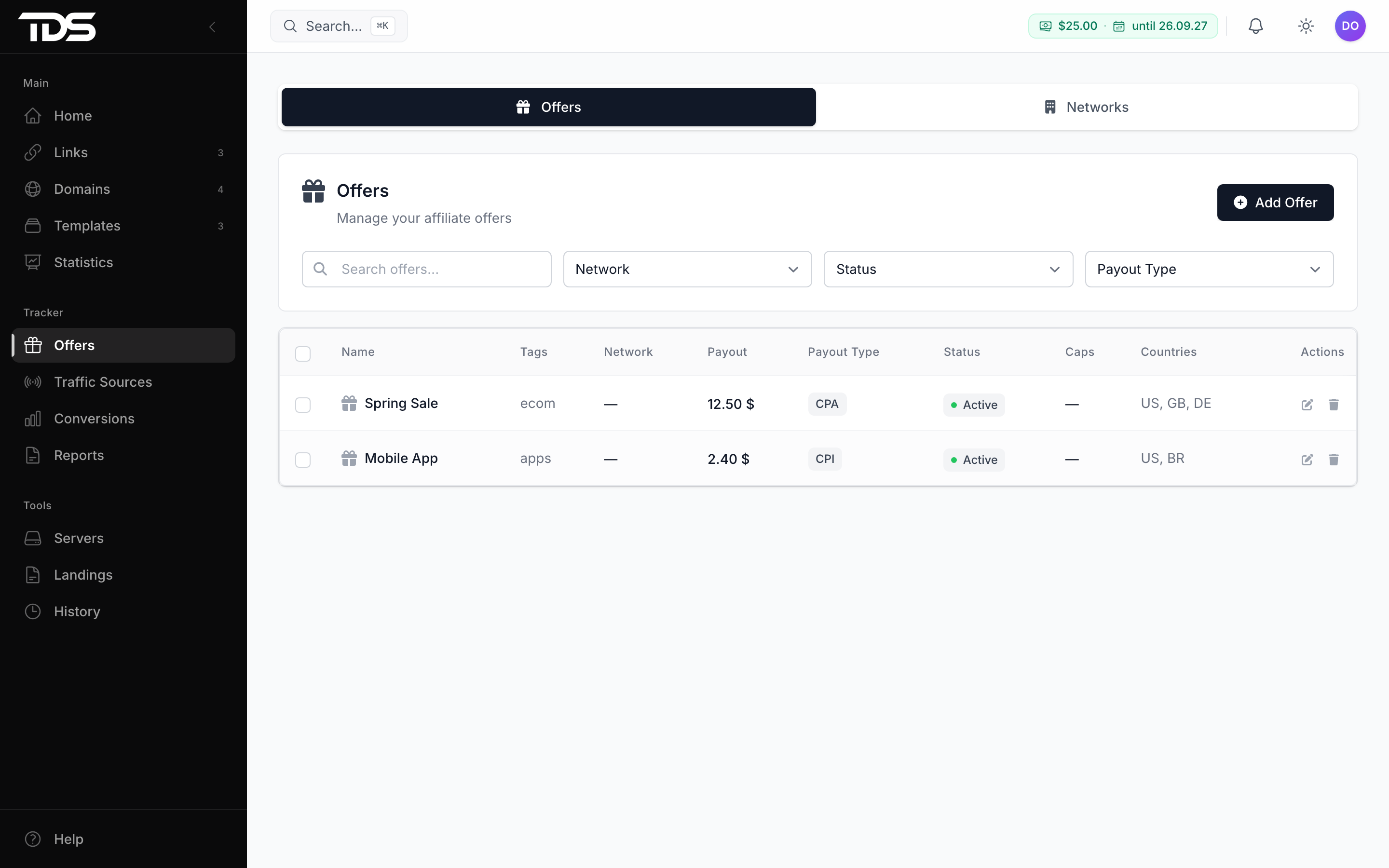
There is one currency for the whole tracker; change it in your account settings.
Traffic sources
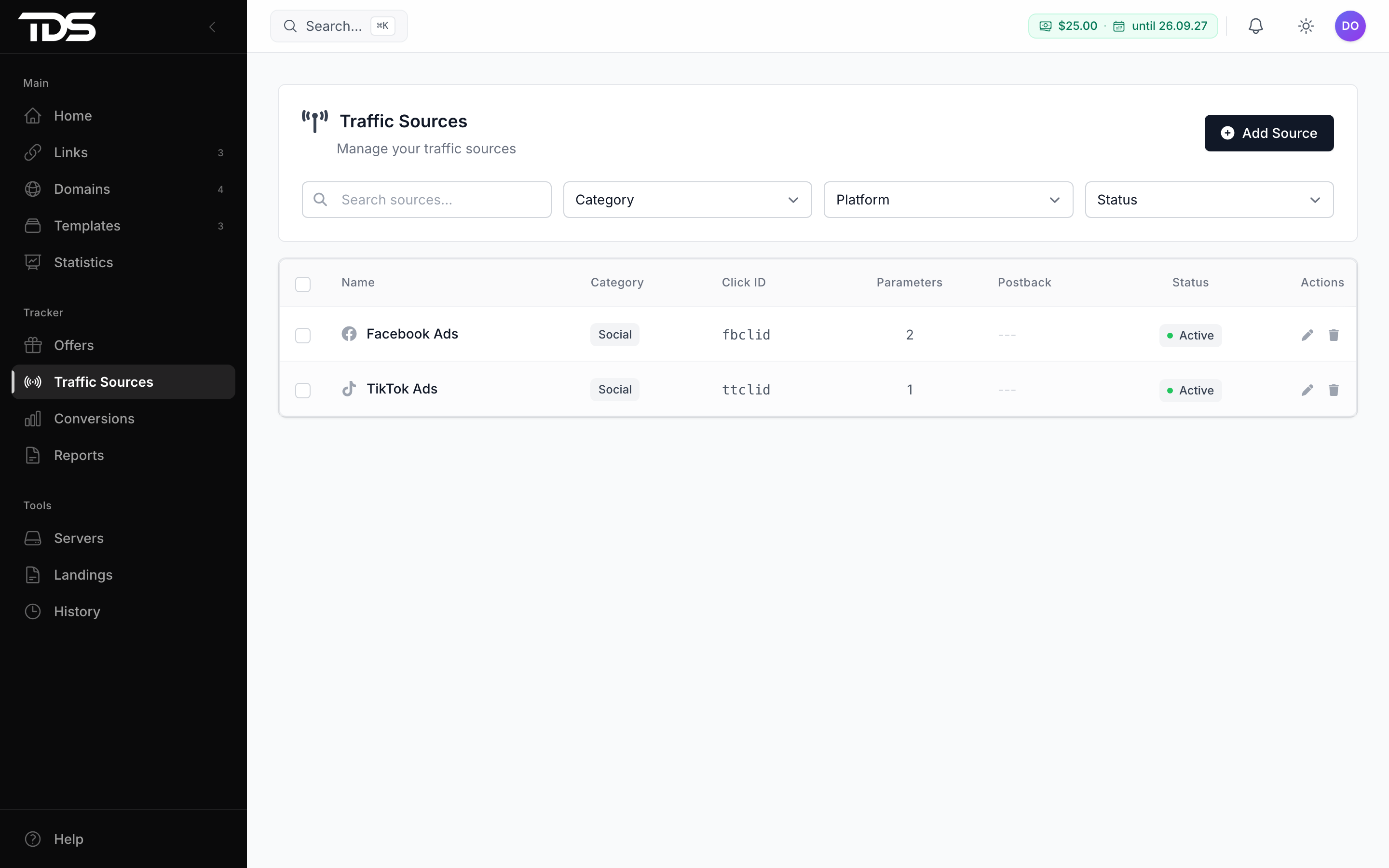
A source is the ad network your traffic comes from. In Tracker → Traffic Sources → Add Source pick a preset — Facebook, TikTok, Google Ads, Taboola, PropellerAds and about fifteen more — or set up your own.
- Click ID — the parameter in which the network passes its own click ID (
fbclid,ttclid,gclid). It is needed to send conversions back to the network. - Cost parameter — the parameter with the click price, e.g.
cost. Without it the tracker uses the fallback price from the link. - Parameters — campaign and ad tags; they are laid out into
sub1–sub10and show up in reports. - Postback — the network address for returning conversions. See Postbacks.
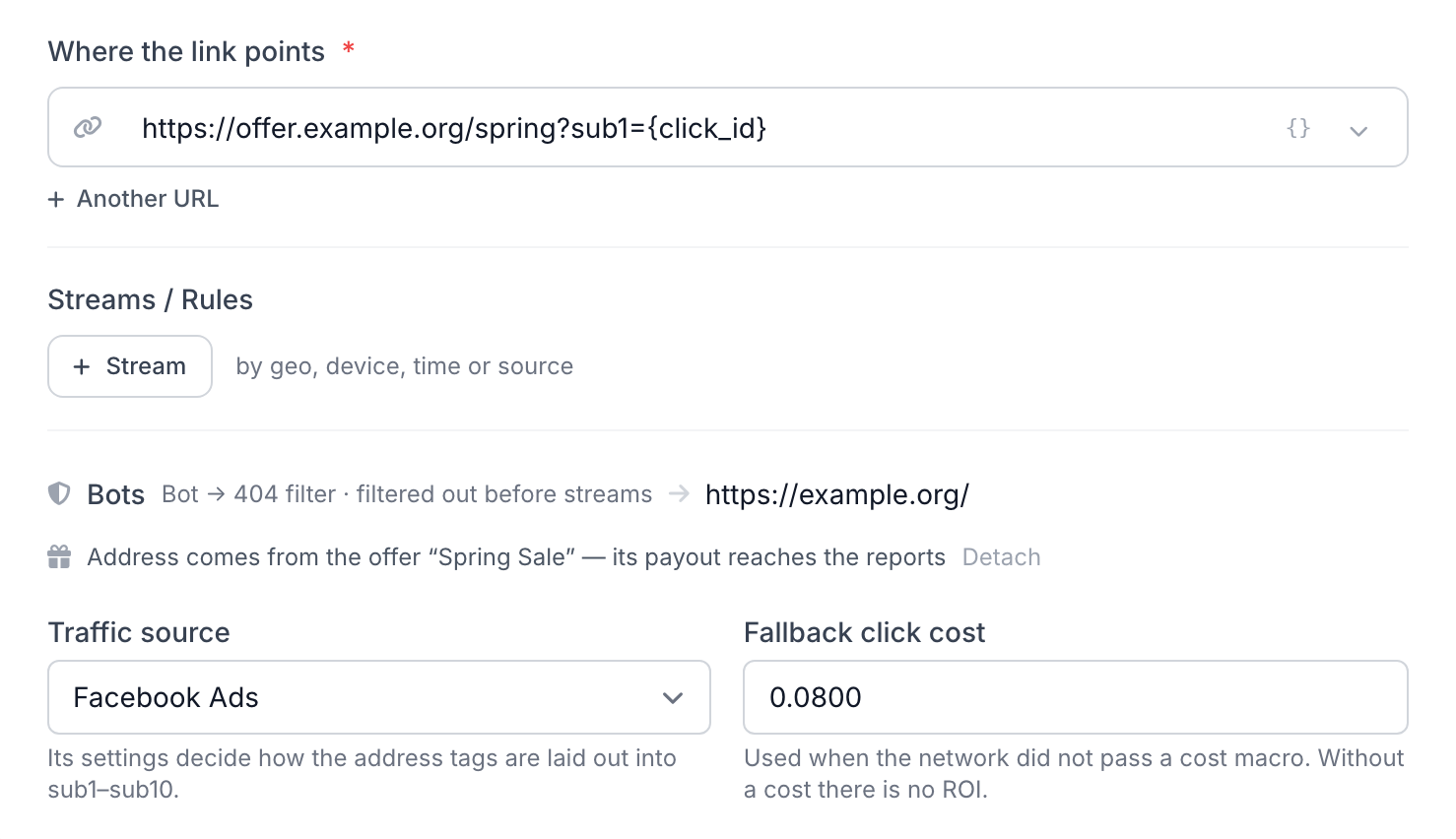
Campaign: offer and source on a link
Open a link or create a new one. In Where the link points, pick the offer from the list — its address fills in by itself. Below, set the Traffic source and the Fallback click cost: it is used when the network did not pass a price. Without a cost there is no ROI.
In the ad network, use this link with the source tags, e.g. for Facebook https://example.com/spring?campaign_id={{campaign.id}}&ad_id={{ad.id}}. The source settings have the ready set of tags (Copy All Parameters), and Facebook adds fbclid on its own. On every visit TDS.SO:
- filters out bots — they never reach the offer and do not skew the stats;
- records the click with its offer, source, cost and tags;
- puts its
{click_id}into the offer address and sends the visitor to the network.
Now set up the postback so conversions come back to the tracker.