

Server installation problems
Server installation errors and how to fix them.
Installation errors appear in the terminal and in the dashboard window. Find the error text below. Once you fix the cause, run the same install command again — it is safe.
Installation errors
root required
The command was not run as root. Log in as root or add sudo before the command.
unsupported OS / cannot detect OS
The server's OS is not supported. Reinstall the server with Ubuntu 22.04 or 24.04 in the provider's panel.
cannot determine public IPv4
The server has no public IPv4 address or no internet access. Order an IPv4 address from the provider.
outbound HTTPS appears blocked
The provider or a firewall blocks outgoing connections to port 443. Without them, the server cannot get certificates. Open outgoing 443 or contact the provider.
low disk space
The server has less than 500 MB of free space. Free up space or enlarge the disk.
systemctl not found
The server has no systemd — this happens in containers and on Alpine. You need a regular VPS with Ubuntu or Debian.
non-interactive mode
The installer is waiting for confirmation but was run without a terminal. Add TDS_YES=1; see reinstalling.
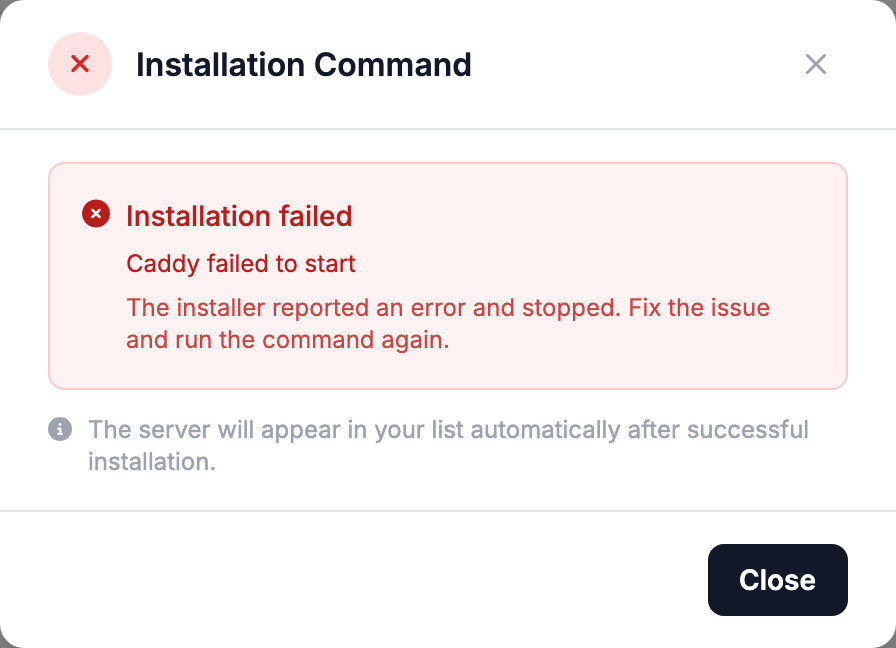
Caddy failed to start
Port 80 or 443 is taken by another program that the installer could not stop. Below the message there is a log with its name — stop it and run the installation again.
firewalld is active
This is a warning: the installation continues. After it, run the command from the message, otherwise ports 80 and 443 stay closed.
postback failed
Caddy is installed, but the server could not report this to the dashboard. Check that the server has internet access and run the command again.
Invalid install token / Server record not found
The command was not copied in full, or the server was deleted in the dashboard. Get a new install command.
Dashboard window
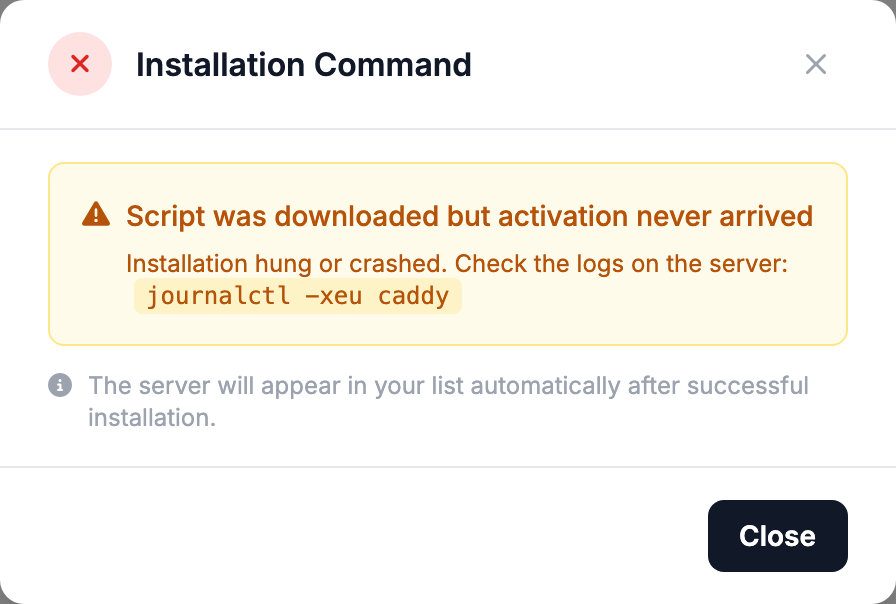
Script was downloaded but activation never arrived
The installation started but did not finish within 6 minutes. Check what the terminal says: there will be an error from the list above. If the terminal is closed, run the command again.
Installation failed
The error text is shown below the status — find it above on this page.
After installation
Server is "Offline"
The dashboard cannot reach the server on port 80. Open incoming 80 and 443 in the provider's firewall and click Check health after a couple of minutes.
Two identical servers in the list
The install command was requested twice. You can delete the extra entry — it does not affect how the server works.